
Readable structure
Separate contours, internal detail and shadows without flattening the design.
A focused Stencil workspace for tattoo artists
Built around the tattoo workflow
Turn a reference into clear, usable Linework, shape separation and tonal guidance—then refine the result before it reaches the skin.
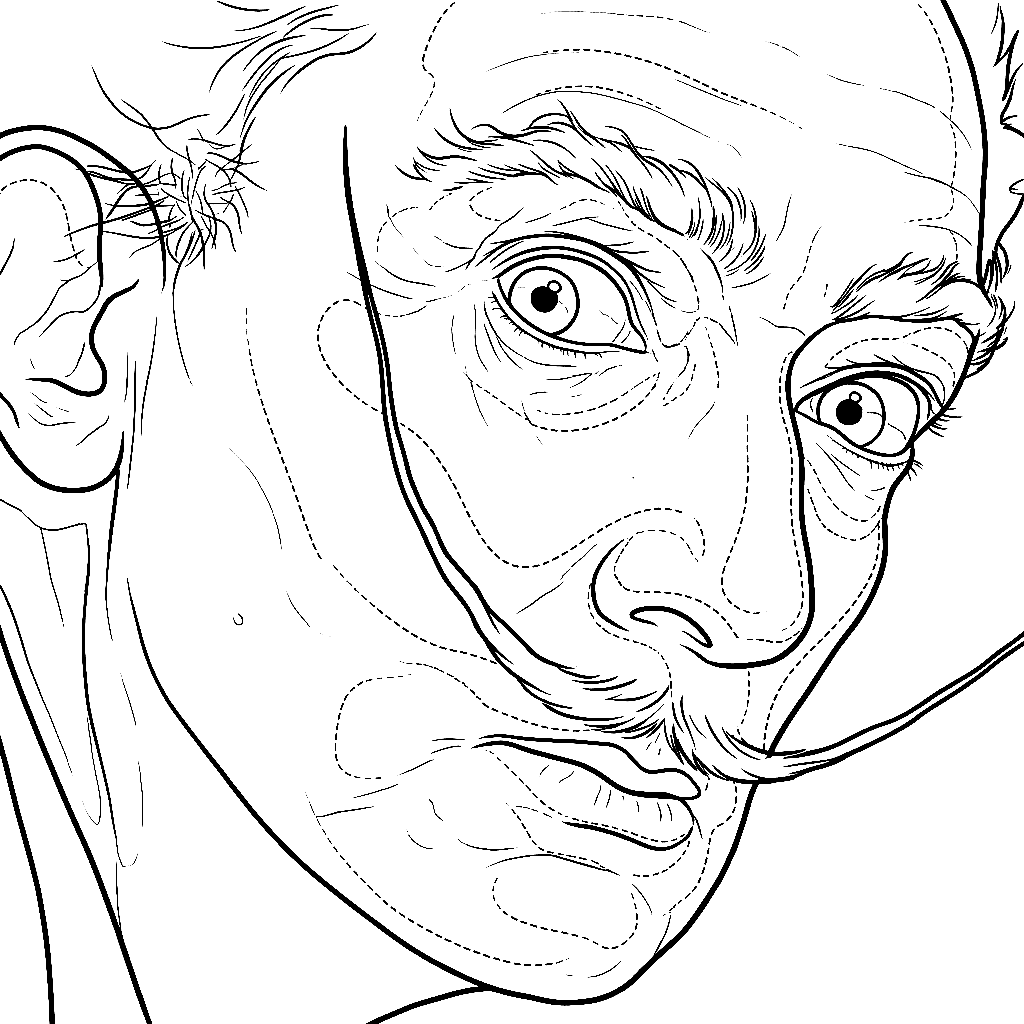
One reference. Clear controls. A print-ready result.
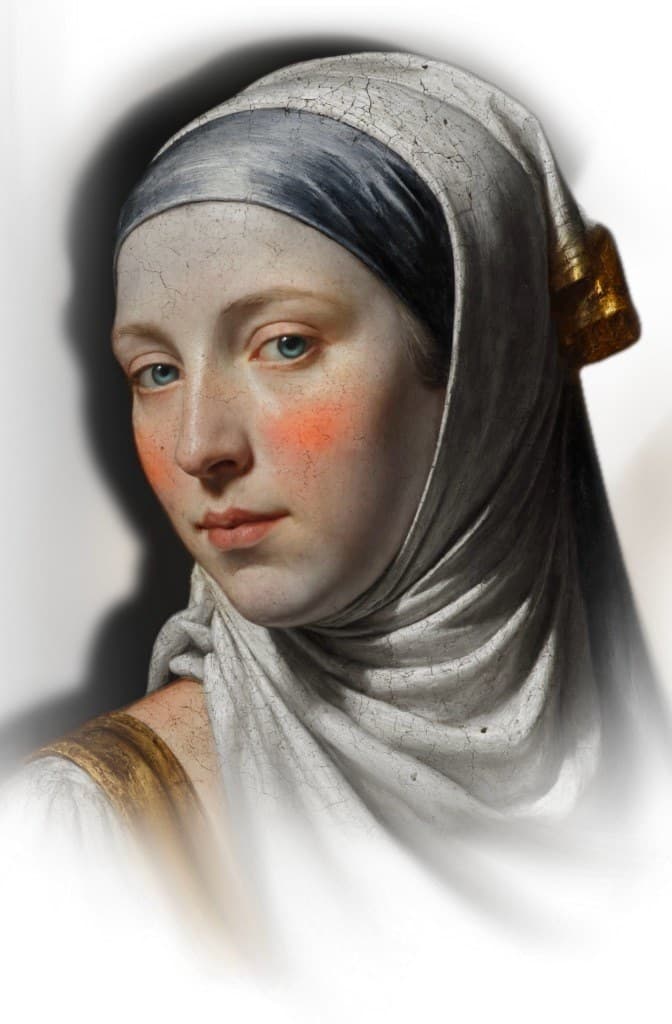 Original reference
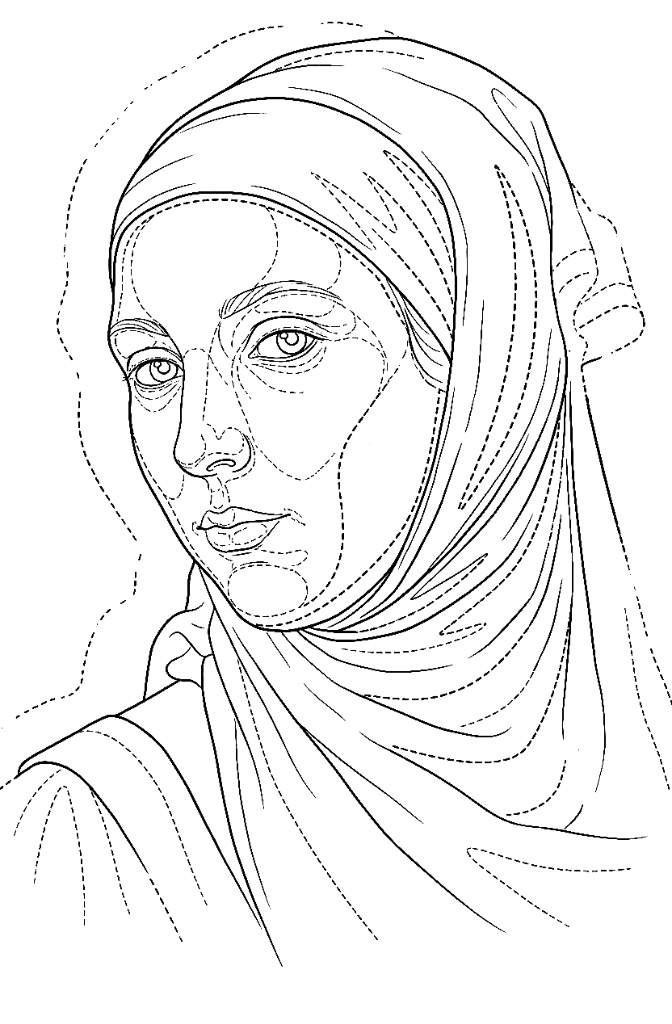 Stencil result
Designed for
Built for real references
A good Stencil is not a generic outline. VETER helps you decide what stays, what becomes Linework and where tonal information needs room to breathe.
Separate contours, internal detail and shadows without flattening the design.
Choose ink colour, paper or transparency, mirror the result and compare it with the reference.
Compare, refine and download a clean file for the next step in your workflow.
Your eye remains the final filter
VETER gives you a strong working base. Review every result against the reference and adapt it to placement, scale, skin and your own tattooing method.
Start with a reference


A direct workflow
Move from a rough image to a controlled result without jumping between scattered tools.
Start with a photo, drawing or existing design. The complete reference stays in frame.
Choose Simple lines or Realism for remote generation, or use the separate local Value Map.
Adjust the local Value Map, or set ink, background and transfer mirroring for a Stencil.
Compare the result with the reference, regenerate if needed and download it.
One workspace, two stages
Build the Stencil with the two active generators—Simple lines and Realism—or use the separate local Value Map. Image Enhancer is still being calibrated.
Tool 01
Translate the reference into clean structure, realism guidance or a local tonal map, then prepare the export.
Tool 02 · Coming soon
Prompt calibration is in progress. The tool will open after its identity and quality checks are complete.
Open skin / light
Midtone guidance
Solid / deep shadow
Tonal control
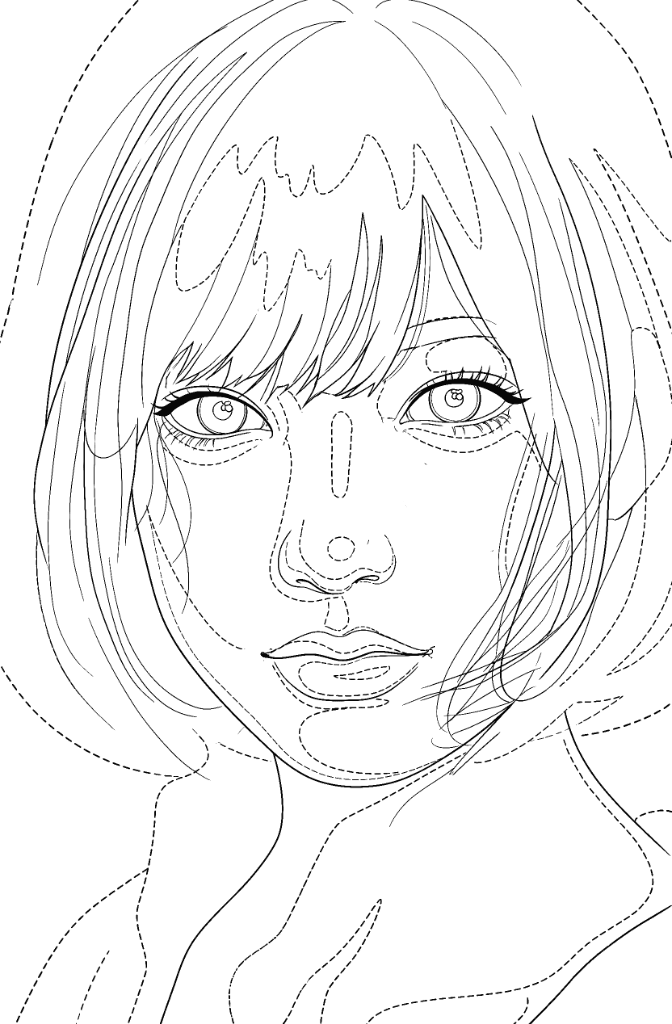
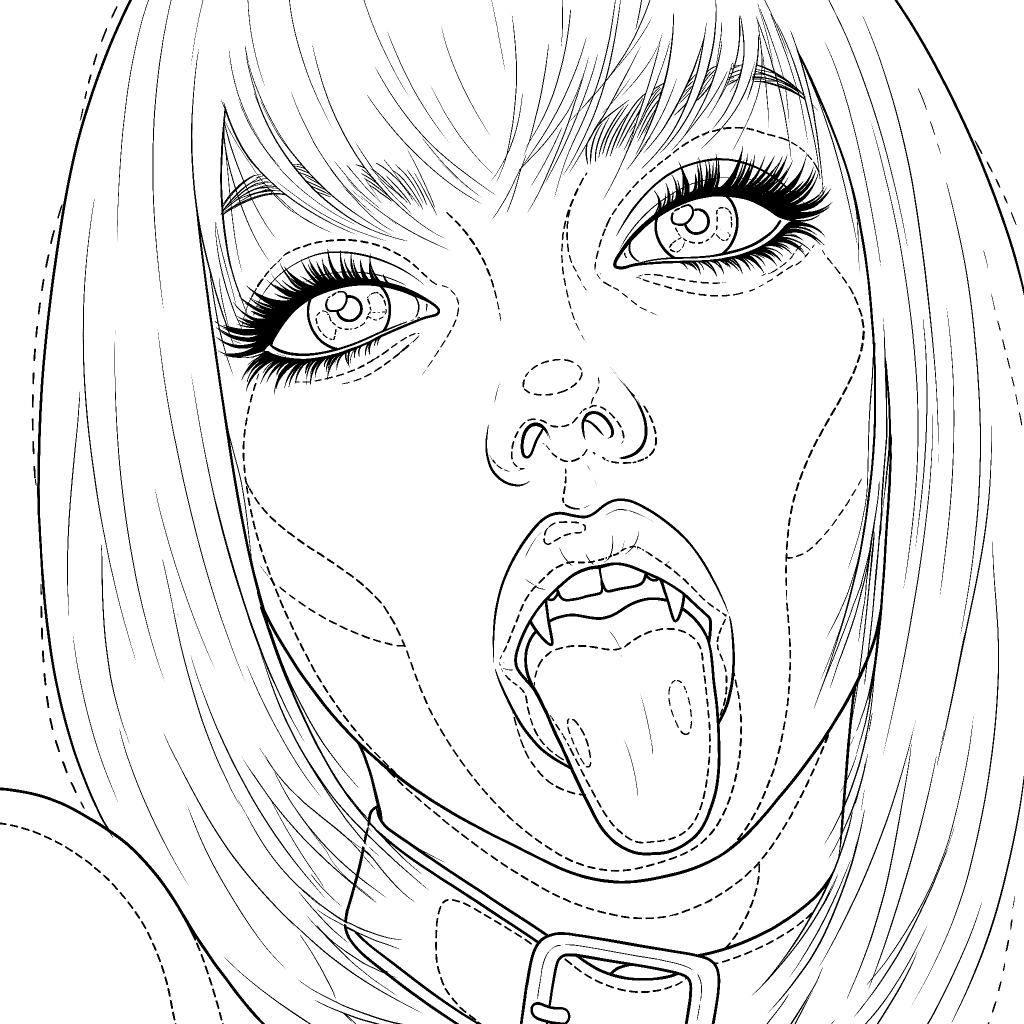
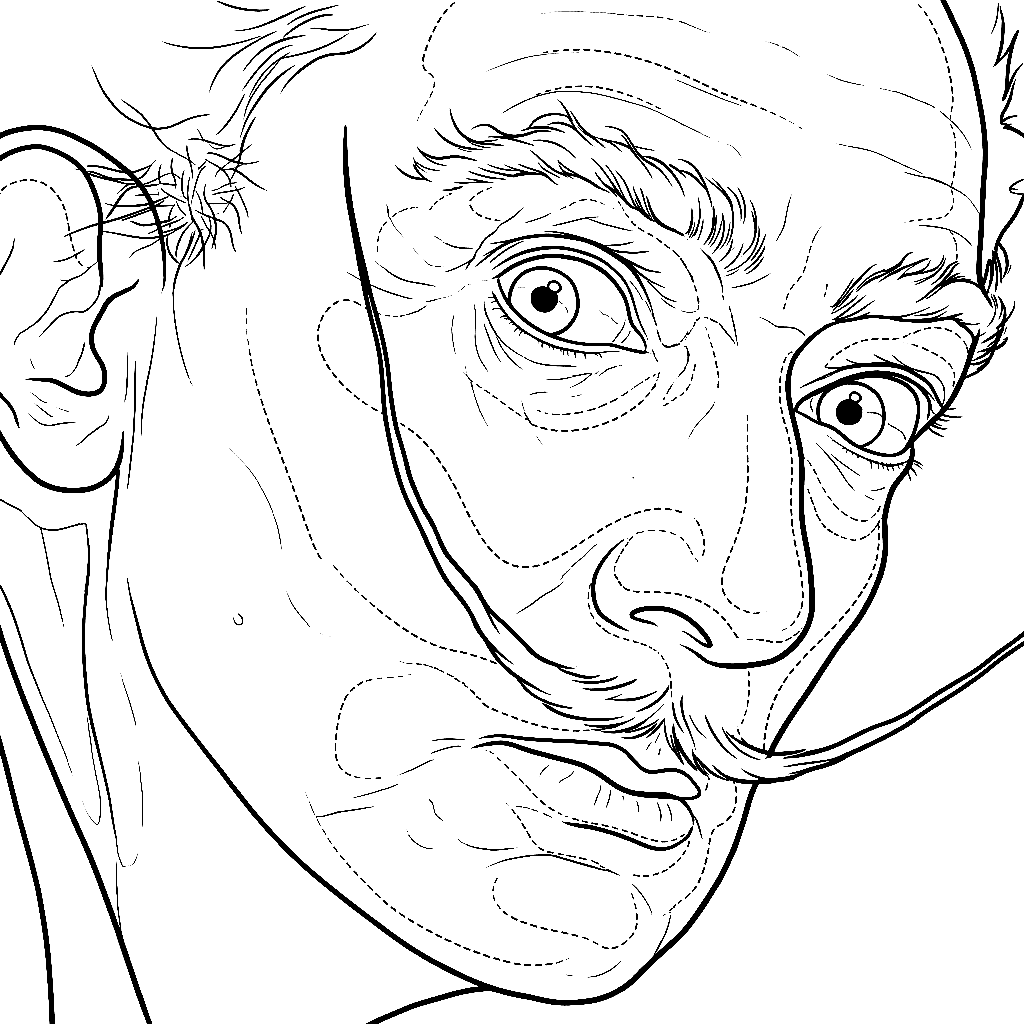
The gradient map separates light, mid and dark information so a Black & Grey or Greywash piece stays readable instead of becoming a field of random marks.
Two active generators, one local map
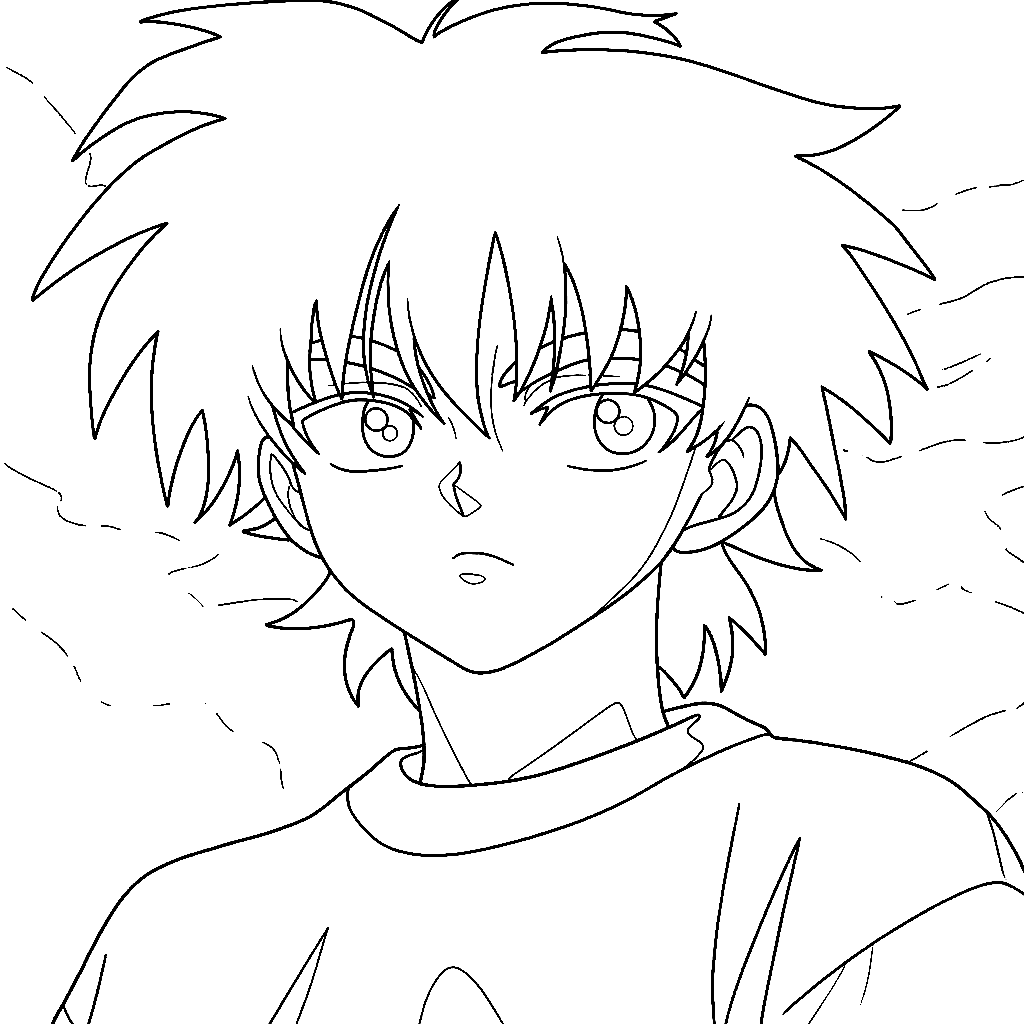
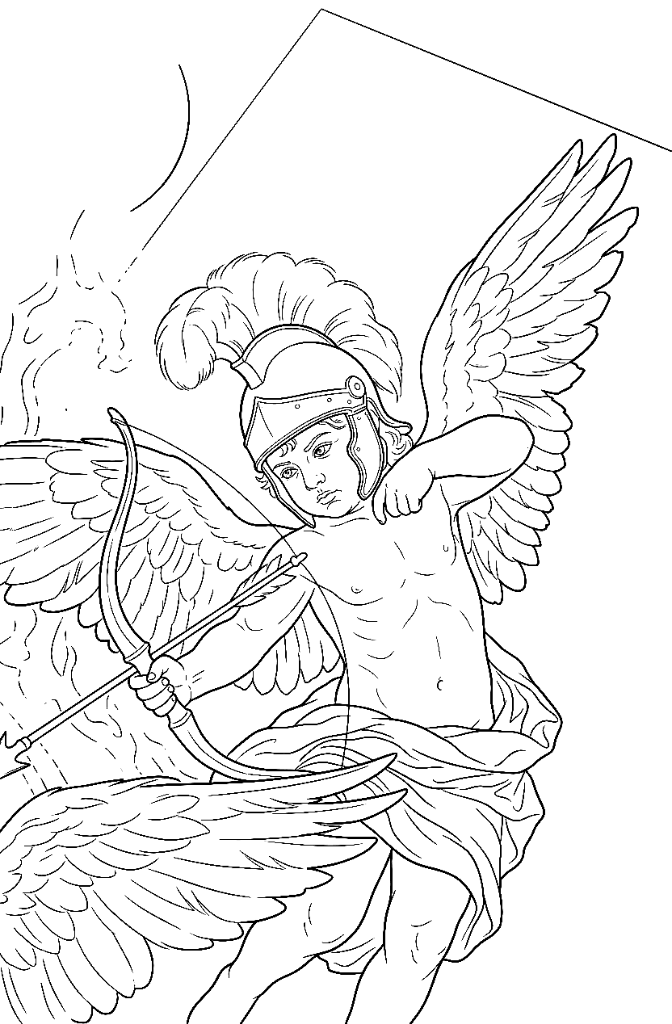
01Clean structural Linework for drawings, flash, Lettering and flat artwork.
02Continuous structure with dashed value boundaries for photos and Black & Grey planning.
 03
03A local tonal view with brightness, contrast, detail, value bands and four palettes.
 04
04Set ink colour, white or transparent background, mirror for transfer, compare and download.
Plans for every setup
Choose the workspace that fits your current rhythm. Move between plans as your tattoo practice grows.
A focused starting point for occasional projects and a growing tattoo practice.
What is included
The complete daily workspace for active tattoo artists and regular client work.
What is included
More capacity and shared tools for tattoo studios working across several artists.
What is included
Stencil generation · 1 credit · Image Enhancer · coming soon
2 months included · Taxes may be added where applicable.
Questions, clearly answered
The essentials about references, credits, files and the two VETER tools.
Simple lines produces line-only structure without shading. Realism adds the shadow-zone information used for portraits, photography and pieces with volume. Both are the active remote generators.
Simple lines and Realism are the two active generators. The Value Map is a separate local tool for tonal separation and Greywash planning.
You can use JPG, PNG and WEBP files up to 20 MB. Photos, drawings and finished references all work best when the main subject is clearly visible.
Not yet. Its prompt is being calibrated and reviewed for reference identity and output quality before release.
Every membership includes 100 credits each month. A Stencil generation uses 1 credit. Image Enhancer is still in calibration; its planned cost is 3 credits.
Yes. Generate another Simple lines or Realism result and compare it with the reference. Value Map controls update locally in the browser.
Every result should be checked and adapted by the tattoo artist for placement, scale, skin, technique and the needs of the final piece.
Annual billing is available for all three plans and includes two months in the displayed yearly total.
The next Stencil starts here
Upload a reference and shape the result in a workspace built for tattoo artists.
Open VETER Studio